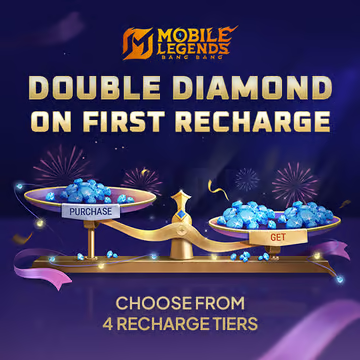
Mobile Legends First Top Up
⚡ Fast Process
💬 24/7 Chat Service
🌏 Region Thailand
💳 Secure Payment
⚡ Fast Process
💬 24/7 Chat Service
🌏 Region Thailand
💳 Secure Payment
How to Top Up Mobile Legends First Top Up
1. Input User ID and Zone ID
2. Example : 1234567 (1234)
3. Choose the Nominal Diamonds you want
4. Complete payment
5. Diamond will be added to your Mobile Legends account
1
Enter account details
To find out your User ID, please click the profile menu at the top left of the game's main menu. And the user ID will be visible at the bottom of your Game Character Name. Please enter your User ID and Zone ID to complete the transaction. Example: 12345678(1234). Enter 12345678 in User ID and 1234 in Zone ID
2
Choose item
3
Choose payment method
4
Got voucher code
5
Order confirmation (Required)
Required: If there are problems, you will be contacted via E-mail
By purchasing I automatically agree to Terms of Service


MAXTOPUP

WhatsApp
